Preventing Staging Website From Being Indexed
Traditionally, the most common way to block Google from indexing a staging site was to create a robots.txt file that keeps Google from crawling the staging site. But things have changed.
Instead, what you want to do now, is provide some kind of a “server-side” authentication on the server so that when normal users (and bots) go there, they are prevented from being able to see the content.
What this really means is username/password protection.
Staging Password Protection in Cloudways
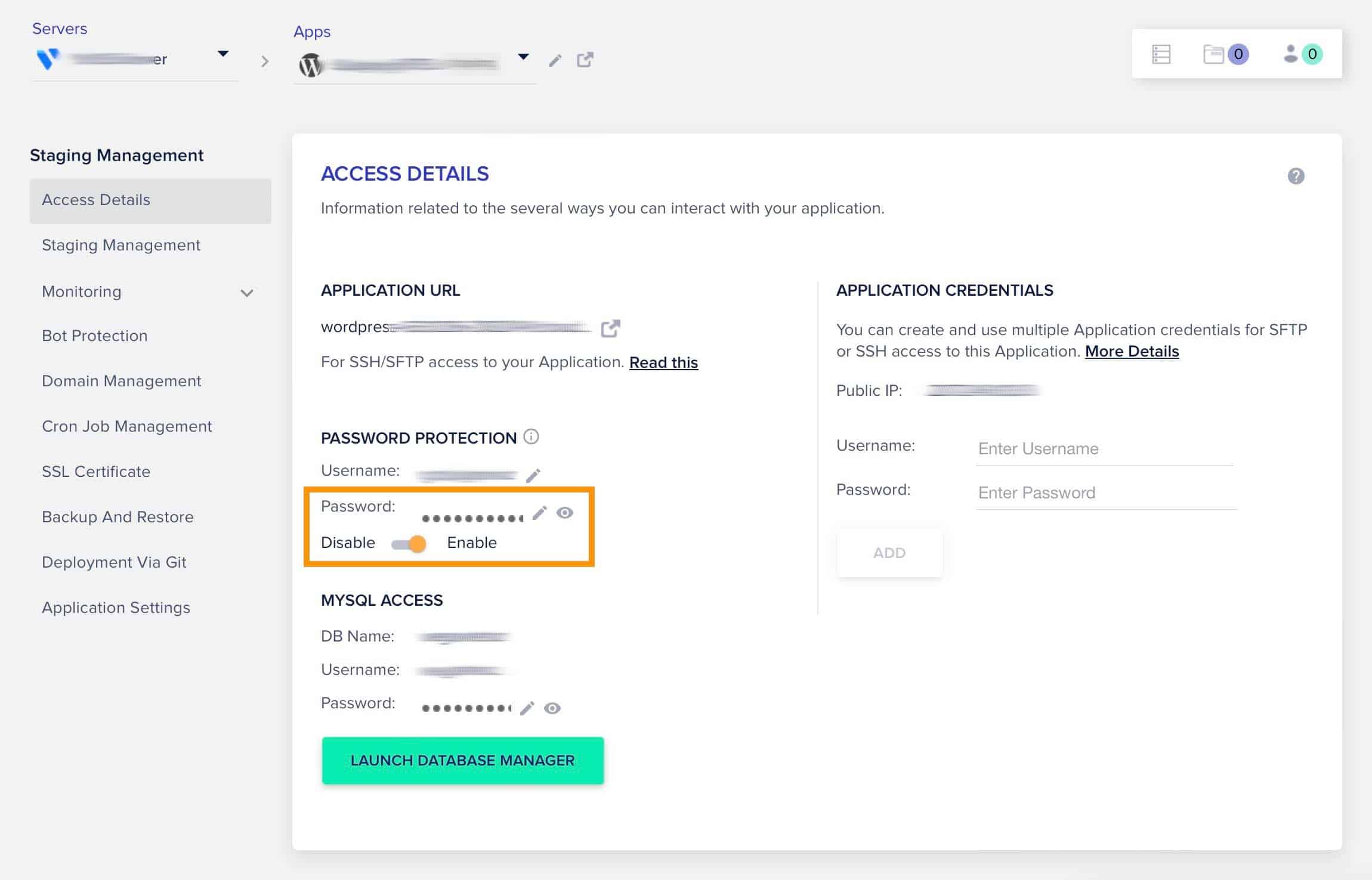
“If the password protection is enabled on your staging version, it will restrict the bots from access to the site. If there is no access, then there is no Bot traffic, which means no indexing.”
Q: When I go and do a routine “Copy data from Live to Staging,” and it copies everything over to staging.. will that password “enabled” stay set, or does it ever get switched back to “disabled” during a copy like this?
A: No, it does not get disabled during the PUSH and PULL.
How to Find Out of Google Has Already Indexed a Staging Website Version
Do one or both of the following:
- Go to your Google Search Console and check for a staging URL with the live site domain. If it is not added in the Search Console, then it is not being crawled. (Suggested by Cloudways support)
- Go to a Google search field and type in: “site:[your staging URL]”
e.g., “site:https://wordpress-XX0286-20XXXX42.cloudwaysapps.com”
The search results should come back as: “About 0 results (0.16 seconds) “